Facebook og:image not showing? Your image URL probably redirects
You added an og:image tag, the image loads fine in your browser, X and LinkedIn show it, but Facebook shows nothing or a broken image. If that’s you, check whether your image URL redirects to another URL.
In my case, it did.
How I ran into it
A customer of Feather, the blogging platform I run, reached out. When he pasted his blog links into the Facebook composer, the og image failed to load.
If you don’t know what an og image is, it’s the preview image that shows up when you paste a link into an editor.
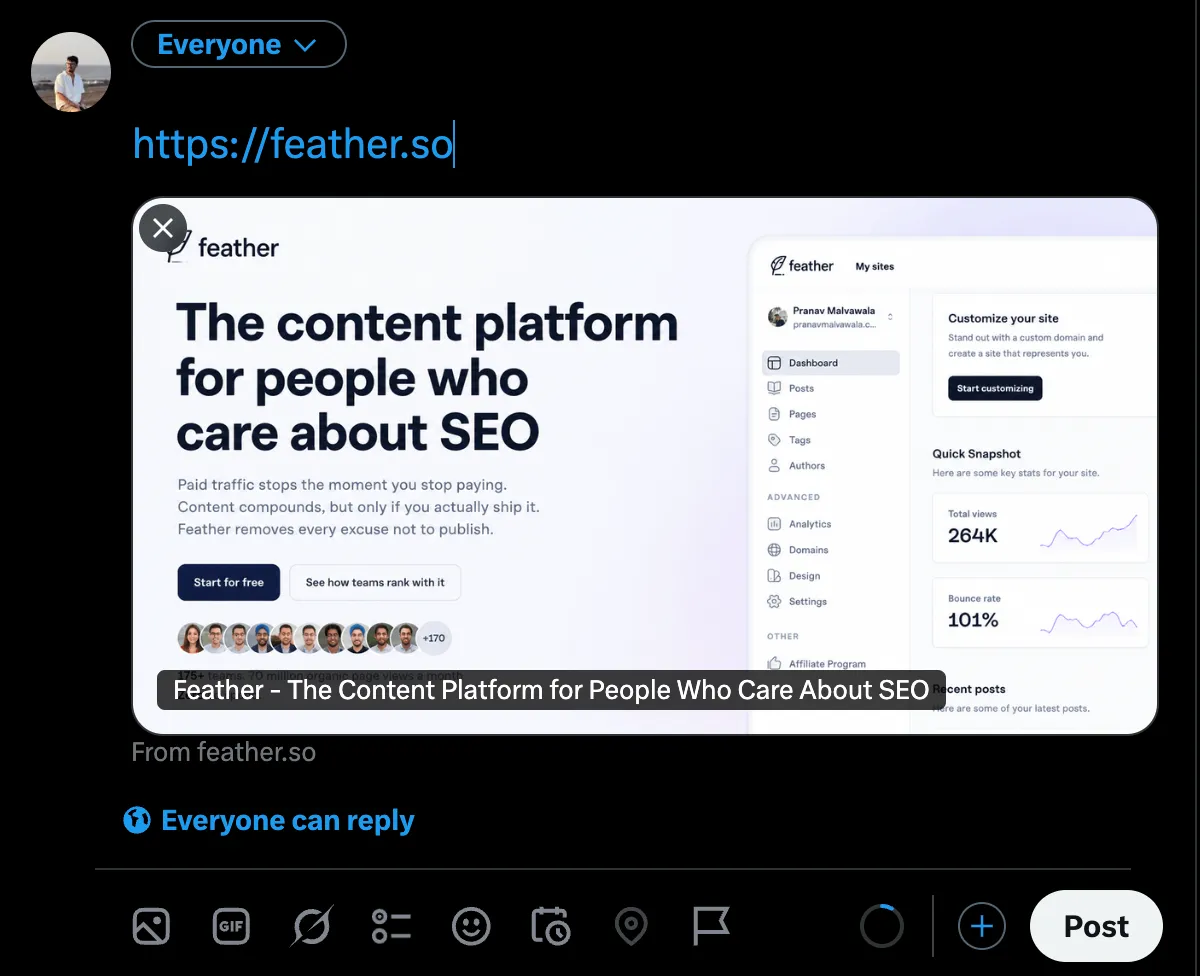
X composer showing feather link with og image
I tested the same links in multiple other apps and none of them had this problem. After some googling, I found out it was a Facebook-only thing.
The cause: Facebook doesn’t like redirecting image URLs
If the og:image URL redirects to a different URL, Facebook won’t follow it.
That’s what was happening to us. Feather lets people write in Notion, and we were putting the Notion image URL (https://www.notion.com/...) straight into the og:image tag. That URL redirects to img.notionusercontent.com, and Facebook gave up at the redirect.
How to check if yours redirects
Request the image URL without following redirects and look at the status code:
curl -I https://example.com/path/to/og-image.pngIf you see a 301, 302, 307 or 308 with a location header, your image URL redirects. You want a plain 200 with an image/* content type.
You can also paste your page into Facebook’s Sharing Debugger to see what Facebook fetched and re-scrape after a fix.
The fix: serve the image directly from a URL you control
The og image URL has to resolve to the image itself, with no hops in between. The same applies if the image comes from a third party, a signed URL, or any service that redirects to a CDN.
What we did was download the image from Notion and upload it to our own storage, then use that URL in the og:image tag. First I used Cloudflare Images for this.
A note on cost
This worked, but then I did the math. In 3 days we saved 64k images and they were served 700k times in total. Feather gets 70-80 million views a month, so with 1 million saved images, Cloudflare Images would have cost me $1500+ a month, and it would keep growing as traffic grows.
I brainstormed with Claude and ChatGPT and landed on R2 as the cheapest option. The catch is that R2 doesn’t resize images for you, and that matters for a blogging platform that cares about SEO.
Then it hit me: I don’t need images resized on the fly. I can resize them once, save the results in R2 and serve them directly from there. I set up a small Node.js server on Railway to handle the resizing and uploading, and saved myself $1500 a month.
Summary
- Facebook doesn’t follow redirects for
og:imageURLs, so the image shows up broken or missing. - Check with
curl -I. You want a200, not a3xx. - Download the image and host it yourself so the URL resolves directly.
- If you do this at scale, look at storage and serving costs before you pick a provider.
There are a lot of ways to solve a problem, just make sure the solution fits you.